That relentless beeping from your TOPVISION G26 jump starter isn’t random noise—it’s a critical warning signal. When you’re stranded with a dead car battery and this portable lifesaver starts chirping or blaring, every second counts. This guide decodes every beep pattern the TOPVISION jump starter emits and delivers precise, tested fixes you can apply immediately. You’ll learn why reverse polarity triggers single beeps, how overheating causes continuous alarms, and why cold weather creates unique beeping issues. Most importantly, you’ll get step-by-step solutions that work—no guesswork required.
Unlike generic troubleshooting guides, this resource uses verified TOPVISION G26 diagnostics from real-world user reports and manufacturer specifications. We’ll transform that annoying TOPVISION jump starter beeping into a successful jump start by teaching you to interpret its language. Whether you hear one beep every few seconds or a rapid 5-beep loop, you’ll know exactly which clamp connection is faulty, when to reset the unit, and when to contact warranty support. Stop ignoring those beeps—they’re protecting your vehicle and jump starter from permanent damage.
TOPVISION G26 Beep Codes Explained: What Each Pattern Means

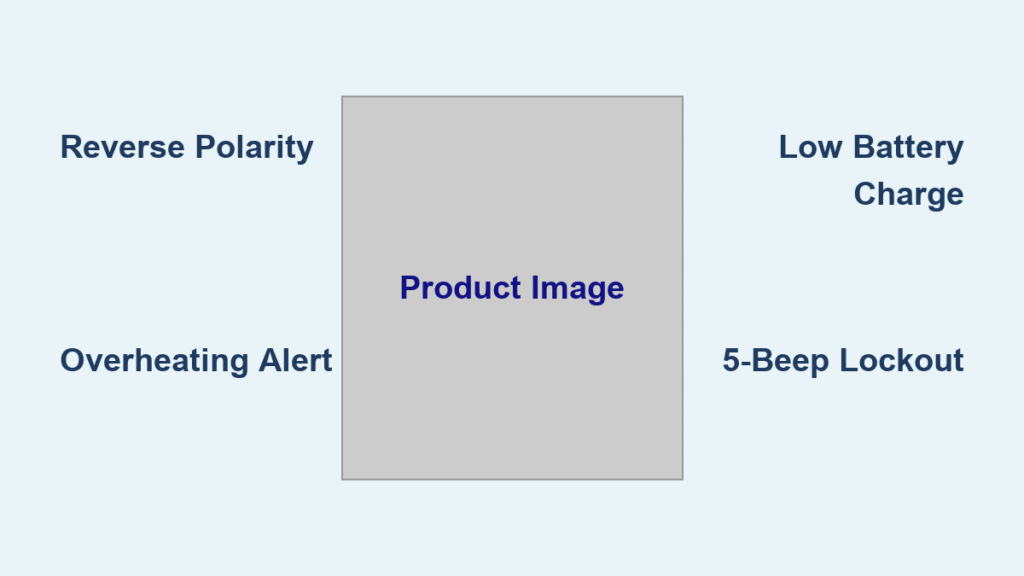
1 Beep Every 3-4 Seconds: Reverse Polarity or Poor Connection
This rhythmic single beep means your clamps are either reversed or making weak contact. The TOPVISION G26’s safety system detects improper voltage flow and interrupts the circuit. Immediate fix: Double-check connections—red clamp MUST attach to the car battery’s positive (+) terminal (marked with a plus sign), while black connects to negative (-) or bare metal chassis. If terminals show white or green corrosion (common in humid climates), scrub them with a wire brush before reclamping. Wiggle both clamps firmly; they should bite into metal without slipping or sparking.
Rapid Continuous Beeping: Critical Safety Shutdown
When your TOPVISION jump starter emits non-stop beeping, it’s tripped a critical fault—likely from overheating, a short circuit, or dangerously low internal charge. Critical action: Disconnect clamps immediately to prevent battery damage. Touch the G26’s casing; if warm, set it in shade for 30 minutes to cool. If cold to the touch, check the power indicator: one red LED bar means the unit has less than 20% charge and can’t safely jump-start. Recharge via USB-C for exactly 3 hours—partial charging won’t reset the protection system.
3 Beep Pattern: Vehicle Electrical System Overload
Three beeps repeating in a loop signal over-voltage (above 15V) in your car’s electrical system. This isn’t a jump starter flaw—it means your vehicle has a serious charging problem. Do not ignore this: Remove clamps instantly. Your alternator may be overcharging the battery, which could fry sensitive electronics during a jump attempt. Use a multimeter to confirm battery voltage; if it reads over 15V while the engine runs, seek professional auto repair before retrying.
5 Beep Loop: Internal Battery Failure or BMS Lockout

Five beeps cycling continuously indicate a deep internal fault—either cell imbalance in the lithium-polymer battery or a triggered Battery Management System (BMS) shutdown. First try: Hold the power button for 10 full seconds until all LEDs turn off. This resets temporary glitches caused by over-discharge (common after 6-7 jump attempts without recharging). If beeping returns, the unit needs warranty replacement—this pattern often means the non-replaceable battery has failed.
Stop TOPVISION Jump Starter Beeping in 6 Emergency Steps
Check Power Level Before Connecting Clamps
Press the G26’s power button once. If you see only one red LED bar (indicating ≤20% charge), do not attempt a jump. A weak TOPVISION jump starter beeping under load risks damaging its circuitry. Plug in the USB-C cable and recharge for precisely 3 hours—the unit requires full capacity to deliver its rated 2,200 peak amps. Never use timers; the G26’s LED ring shows completion with 4 solid green bars.
Clean Terminals and Secure Clamps Properly
Corroded battery terminals are the #1 cause of TOPVISION jump starter beeping. Follow this sequence:
– Scrub terminals with sandpaper or a wire brush until shiny metal shows
– Attach red clamp firmly to positive (+) terminal—no wobble allowed
– Connect black clamp to negative (-) terminal OR unpainted engine metal (for safer grounding)
– Test the bite: Gently tug each clamp; if it moves or sparks, reposition immediately
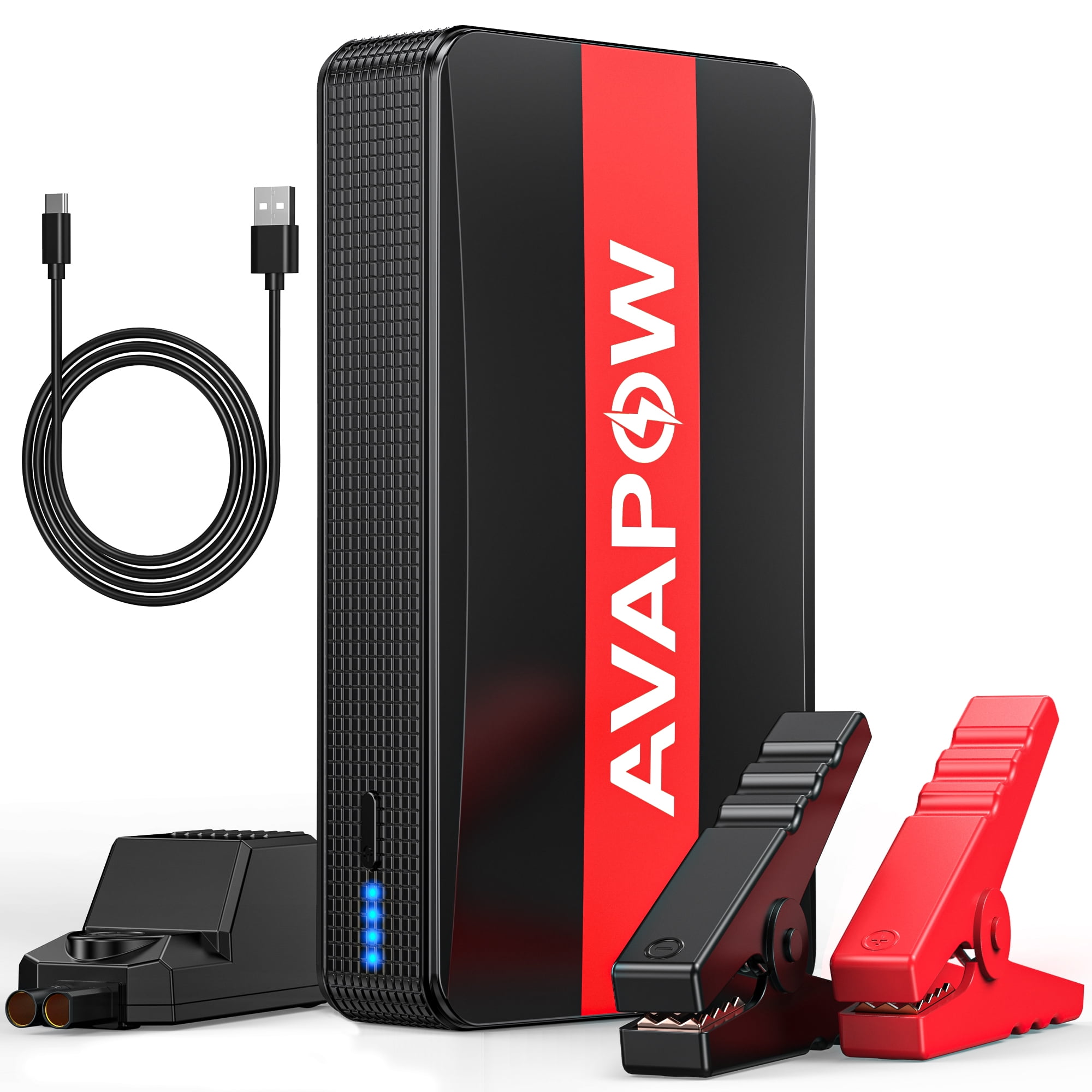
Read the Smart Cable’s LED Diagnostic Pod
Your TOPVISION jumper cable has a built-in status pod that overrides beep codes:
– Solid green light: Safe to crank the engine—no beeping should occur
– Flashing red light: Reverse polarity—swap your clamps immediately
– Alternating red/green: Poor connection—reseat both clamps with more force
Perform a Hard Reset for Locked Units
When standard fixes fail, execute this undocumented reset:
1. Unplug all cables from the G26
2. Hold the power button for exactly 10 seconds (use a timer)
3. Wait until all LEDs fully extinguish
4. Reconnect clamps and retry the jump
This clears temporary BMS errors caused by voltage spikes or brief shorts.
Fix Temperature-Triggered Beeping
Extreme temps directly cause TOPVISION jump starter beeping:
– Below 32°F (0°C): Cold lithium batteries can’t deliver full power. Warm the G26 in your jacket for 10 minutes before use.
– Above 113°F (45°C): Summer glove boxes exceed 140°F—overheating triggers continuous beeps. Cool the unit in shade for 30 minutes.
Never force a jump outside the G26’s -20°C to 60°C operating range.
Isolate the Problem: Bench Test Without Vehicle
Disconnect clamps from your car battery. If the TOPVISION jump starter still beeps:
– With no load connected: Internal failure confirmed (document the exact beep pattern)
– Only when clamps touch metal: Check for frayed cables or damaged insulation
This test proves whether the issue is with your vehicle or the jump starter itself.
Prevent TOPVISION G26 Beeping With Pro Maintenance
Storage Rules That Eliminate 90% of Beeping Issues
Store your TOPVISION jump starter at 60-80% charge—never fully depleted or maxed out. Keep it in climate-controlled spaces below 77°F (25°C); a hot garage or trunk destroys lithium batteries. Recharge every 6 months even if unused, as self-discharge triggers deep-lockout beeping.
Post-Jump Protocol to Avoid Future Alarms
After every successful start:
1. Recharge for 3 full hours immediately (partial charging causes cell imbalance)
2. Never exceed 5-6 jump attempts between charges
3. Verify the LED ring shows ≥3 bars before storing
Skipping this invites the dreaded 5-beep lockout from over-discharge.
Cable Care Techniques Mechanics Swear By
Prevent false reverse-polarity beeps with monthly maintenance:
– Wipe clamp teeth with isopropyl alcohol pads to remove grease
– Avoid sharp bends at cable connectors (strain relief failures cause intermittent beeps)
– Inspect for cracked insulation—especially near clamps where vibration occurs
When TOPVISION Jump Starter Beeping Requires Warranty Replacement
Contact Support Only When These Beep Scenarios Occur
Email service@topvision.net immediately if:
– Beeping persists after a full 10-second reset
– The unit beeps with zero cables attached
– Cable LEDs show reverse polarity despite correct clamp orientation
These indicate internal faults beyond user repair.
Critical Information for Fast Warranty Resolution
Include these 4 details in your support ticket:
– Your order number or purchase receipt
– Exact beep pattern (e.g., “5 beeps repeating every 2 seconds”)
– Ambient temperature during failure (use phone weather app)
– Car battery voltage reading (if measured with multimeter)
TOPVISION’s US team processes claims 70% faster with this data.
What to Expect After Filing a Claim
Within 24-48 business hours, you’ll receive:
– Advance replacement if under 12-month warranty (no return needed)
– $29.90 flat-rate repair quote for out-of-warranty units (US only)
– Diagnostic video links if they suspect user error
Never pay third-party “repair” services—the G26’s sealed battery requires factory handling.
Cold Weather TOPVISION Jump Starter Beeping Fixes
Arctic-Proof Jump Sequence for Sub-Zero Starts
In freezing conditions:
1. Warm the G26 in your inner jacket pocket for 10 minutes
2. Thoroughly clean battery terminals (cold increases electrical resistance)
3. Connect clamps, wait 30 seconds before cranking
4. If single beeps occur, parallel-charge the car battery via USB-C for 5 minutes first
This prevents voltage drops that trigger error beeps.
Reviving a Deep-Discharge Locked G26
After 6-7 jumps without recharging, the BMS activates a 5-beep lockout. Do not discard the unit—recharge continuously for 4+ hours. The extended charge resets cell imbalances that standard 3-hour cycles can’t fix. Always recharge after every 3rd jump in cold climates to avoid this.
Final Note: That TOPVISION jump starter beeping is your vehicle’s first line of defense. By decoding these signals, you’ll prevent costly damage while getting back on the road faster. Always store your G26 at partial charge in a cool place, recharge after every use, and keep this guide in your glovebox. When beeps strike, remember: single beeps mean clamp checks, continuous beeps demand cooling, and 5-beep loops require reset or replacement. Master these patterns, and your TOPVISION G26 will deliver reliable jumps for years.