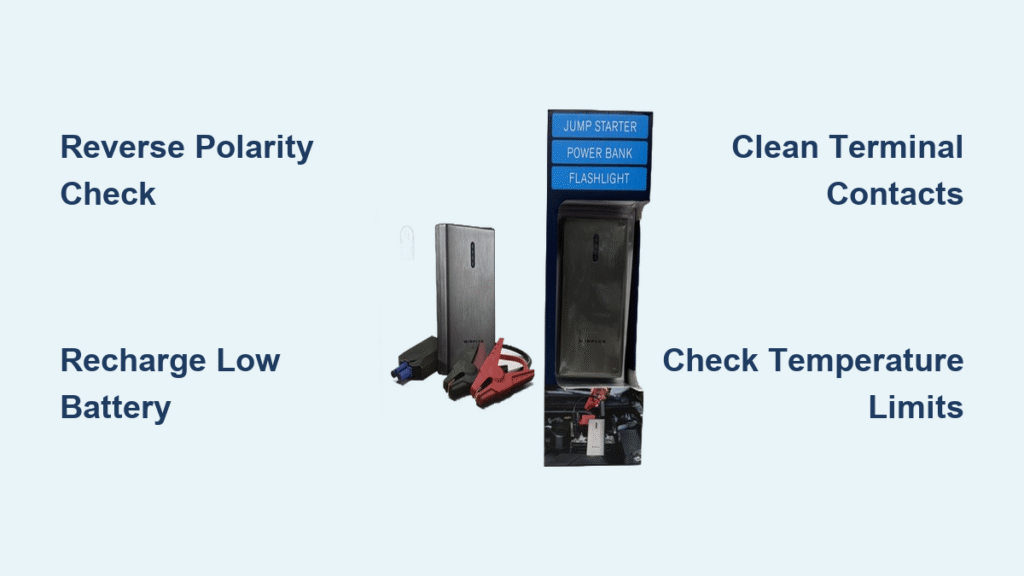
That relentless beeping from your Winplus jump starter isn’t just annoying—it’s a critical warning signal cutting through your calm while stranded in a parking lot or prepping for winter emergencies. When your Winplus unit emits those urgent tones, it’s actively protecting your car’s electrical system and its own lithium battery from damage. This guide decodes every beep pattern you’ll encounter and delivers actionable fixes to silence the alarm within minutes. You’ll learn why reverse polarity triggers instant alarms, how temperature extremes sabotage performance, and why that single beep every 5 seconds means your device is begging for a recharge—not replacement.
Stop guessing what the beeping means. By the end of this guide, you’ll confidently troubleshoot hard faults like short circuits and soft faults like low battery, restoring your jump starter’s reliability before your next roadside emergency.
Identify Your Beep Pattern Instantly
Your Winplus jump starter communicates through precise acoustic signals—continuous beeping versus intermittent beeping—each demanding distinct action. Continuous beeping with a solid red LED is a hard fault screaming “STOP NOW!” This indicates dangerous conditions like reverse polarity, short circuits, or extreme temperatures that could fry circuits. Intermittent beeping—a single or double beep every 5 seconds—is a soft fault warning about manageable issues like low internal battery or minor voltage mismatches. Ignoring hard faults risks permanent damage, while soft faults simply need recharging or connection adjustments.
Continuous Beeping: Reverse Polarity Emergency
If your Winplus unit blares nonstop with a red LED, reverse polarity is the prime suspect. This occurs when red clamps touch negative terminals or black clamps hit positive posts—a common mistake when battery terminals are corroded or poorly labeled. The fix is immediate: disconnect everything following the safety protocol below, then verify clamp placement. Red must grip the battery’s “+” terminal (often covered by red plastic), while black anchors to “-” or an unpainted engine bolt. Swap clamps instantly if reversed—the beeping stops within seconds once polarity corrects.
Intermittent Beeping: Low Battery Alert
That single beep repeating every 5 seconds? Your Winplus unit has enough juice for basic power bank functions but lacks the 75%+ charge required for safe jump-starting. Check the blue LED indicators: flashing lights mean critical low battery, while four solid lights confirm full readiness. This soft fault won’t damage your device but prevents jump-start capability until resolved. Plug into a 5V/3A or 12V/2A charger until green LEDs glow steadily—typically 30-60 minutes—and the beeping ceases.
Execute Critical Safety Disconnection
When beeping starts, your first 10 seconds determine whether you prevent damage or compound problems. Never ignore continuous beeping—it means your Winplus unit detected a life-threatening electrical fault. Follow this sequence exactly:
- Power down immediately – Hold the power button for 3 full seconds until output cuts off
- Remove red clamp first – Always disconnect positive before negative to avoid sparks
- Unplug 8-pin cable – Yank the connector from the jump starter body to break residual current
- Wait 10 seconds – Let internal capacitors discharge before re-inspecting
Skipping these steps risks melting clamps or triggering thermal runaway in the lithium battery. If corrosion hides terminal markings, use a wire brush to expose “+” and “-” symbols before reconnecting—never guess polarity.
Eliminate Connection Faults in 60 Seconds
Poor clamp contact mimics dangerous electrical faults, triggering unnecessary beeping. Before assuming hardware failure, inspect these three failure points:
- Battery terminal corrosion (white/green crust) creates insulation barriers—scrape clean with a wire brush until metal shines
- Paint overspray on engine grounds blocks conductivity—find bare metal spots away from moving parts
- Grease-coated clamp teeth prevent metal contact—wipe with degreaser and reattach firmly
Pro tip: After cleaning, press clamps onto terminals and wiggle them sideways. If they move freely, corrosion is still present. Solid connections won’t budge.
Diagnose Voltage Mismatches with a Multimeter
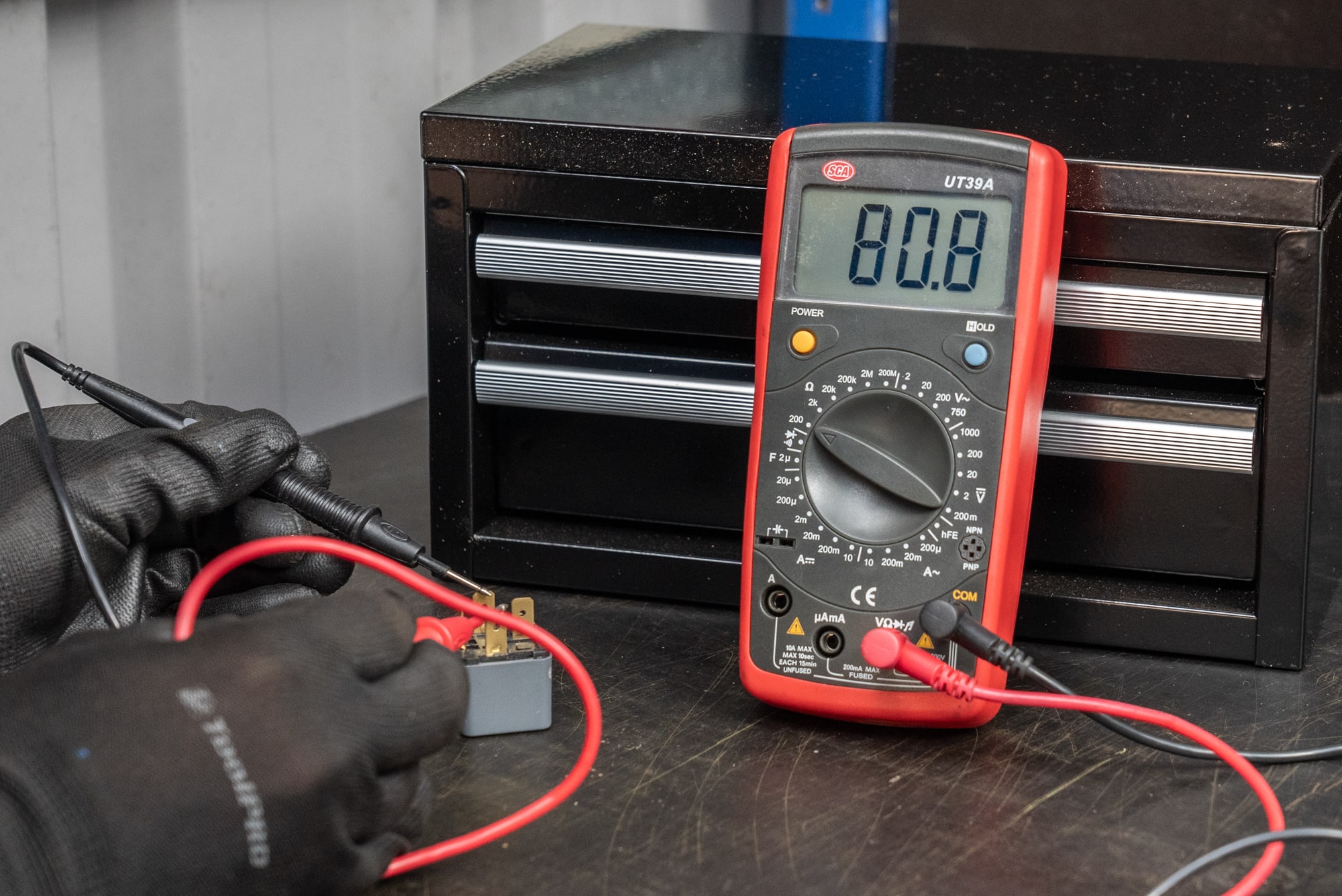
Your car battery’s voltage—not just its charge level—triggers Winplus beeping alarms. Set a multimeter to DC voltage and check these critical thresholds:
- Below 3V: Completely dead battery—unit refuses engagement to prevent damage
- Above 15V: Overcharged system (common in faulty alternators)—unit shuts down for protection
- 12.2–12.6V: Ideal “ready to jump” range when engine is off
If readings fall outside 3–15V for 12V systems, the beeping is justified. A battery below 3V needs professional replacement; one above 15V requires alternator inspection. Never force jump-starting in these scenarios—your Winplus is saving you from catastrophic electrical failure.
Defuse Temperature Protection Alarms
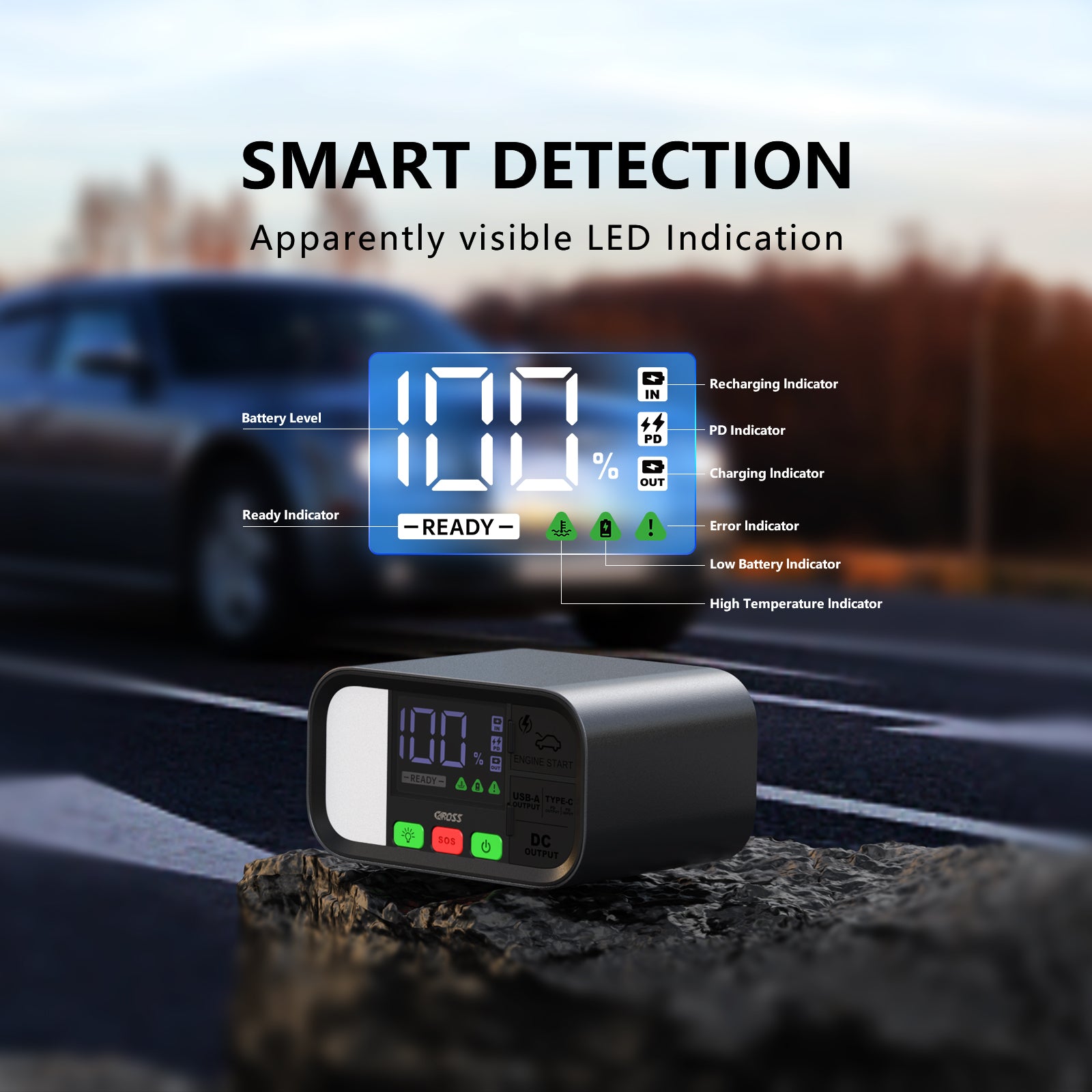
Extreme cold or heat automatically triggers Winplus beeping through thermal sensors. Below -4°F (-20°C), lithium batteries can’t safely deliver high current, causing continuous alarms. Above 176°F (80°C), internal components risk melting. Never speed up recovery by placing the unit near heaters—rapid temperature changes cause condensation that corrodes circuits. Instead:
- Move to room temperature for 30+ minutes
- Wipe exterior condensation with a microfiber cloth
- Verify internal temperature by touching the metal casing (should feel neutral)
Units stored in freezing cars all winter often beep until fully acclimated—this isn’t a defect but essential protection.
Resolve Soft Faults Without Tools
That single beep every 5 seconds means your Winplus unit is functional but needs attention. For low internal battery issues, charge until four blue LEDs glow solid (not flashing). For minor voltage mismatches—when your car battery reads 12.8–13.2V while the jump starter is at 70% charge—top up the Winplus to 75%+ capacity. This tiny voltage window resolves 90% of soft faults. Never attempt jump-starts with flashing LEDs; the unit beeps to prevent insufficient cranking that could flood your engine.
Execute the Safe Restart Sequence
After fixing the root cause, follow this precise restart protocol to avoid triggering beeping again:
- Confirm jump starter shows ≥75% charge (three solid blue LEDs minimum)
- Reconnect clamps within 30 seconds of each other—delayed connections reset the timer
- Press power button once—no holding—to activate jump mode
- Crank engine for max 3 seconds
- Wait 30 seconds between attempts (critical for heat dissipation)
Exceeding 3-second cranks overheats circuits, while back-to-back attempts drain residual power. The 30-second wait isn’t arbitrary—it lets capacitors recharge for maximum amperage.
Prevent Beeping Through Proactive Care
Monthly maintenance eliminates 80% of beeping issues before they strand you:
- Charge every 30 days even when unused (lithium batteries degrade at 0% charge)
- Store between 32–77°F (0–25°C)—garages and trunks exceed safe ranges in summer/winter
- Inspect clamps quarterly for corrosion or bent teeth
- Test operation annually on a running vehicle (not just voltage checks)
Critical insight: Internal batteries last longest at 40–80% charge. Avoid full discharges or leaving the unit plugged in constantly—both accelerate capacity loss.
Escalate Only When Necessary
If beeping persists after completing all steps, contact Winplus with these details:
– Exact LED patterns during beeping (e.g., “red solid with continuous beeps”)
– Ambient temperature during use
– Serial number from the unit’s underside label
– Proof of purchase for warranty claims
North America Support: 1-800-367-2456 (Mon–Fri 9 AM–5 PM EST) or support@winplusna.com. Warranty covers 12 months (24 with online registration), but keep original packaging—defective units must be returned for replacement.
Beep Pattern Emergency Cheat Sheet
| Beeping Pattern | Immediate Action | Most Likely Cause |
|---|---|---|
| Nonstop beeping + red LED | Disconnect immediately; check polarity | Reverse polarity/short circuit |
| Single beep/5 seconds | Recharge unit fully | Low internal battery |
| Beeping after 30+ sec connected | Reset cables; reconnect faster | System timeout |
| Flashing LEDs + silence | Contact support | Hardware/firmware failure |
Your Winplus jump starter’s beeping isn’t random noise—it’s a precise diagnostic language protecting your safety. By matching these patterns to targeted fixes, you’ll silence alarms and restore jump-start capability faster than waiting for roadside assistance. Remember: continuous beeping demands immediate disconnection, while intermittent alerts simply need recharging. Implement the monthly maintenance routine, and your Winplus unit will deliver reliable power when winter storms hit or batteries fail unexpectedly. Stay proactive, stay safe, and never let beeping turn a minor inconvenience into a major roadside crisis.